 COME
COMEReturn to COME Help from the Account Menu
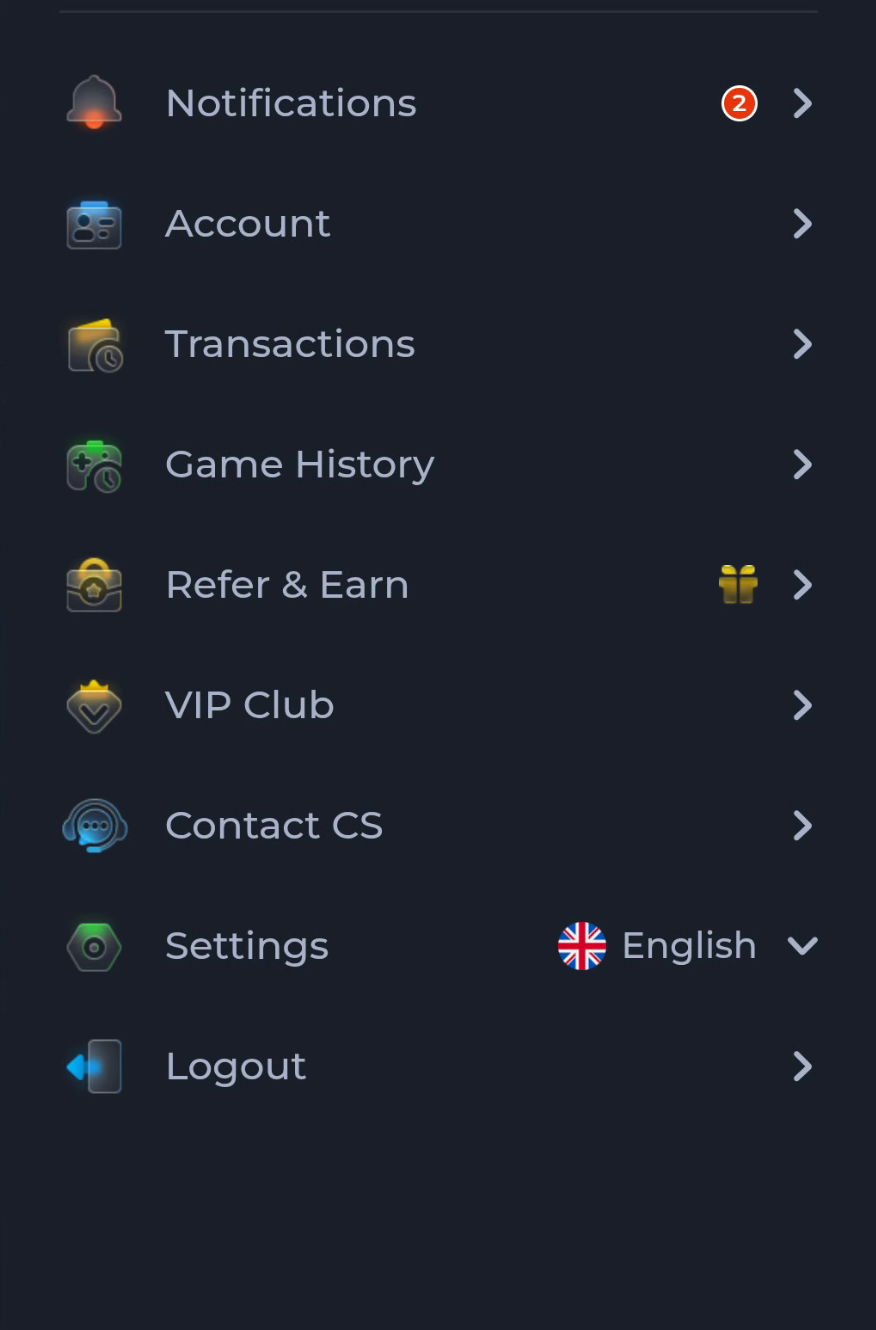
The COME menu includes Contact CS and Settings below account activity entries. Use the help route when you need to describe a service question, and Settings when the task is an app control.
Choose the correct menu purpose
Account, Transactions and Game History identify different activity contexts. Contact CS points towards help, while Settings concerns controls such as language, sound or update checking. Choose by the action you need rather than by the position of an item.
Continue within Customer Center
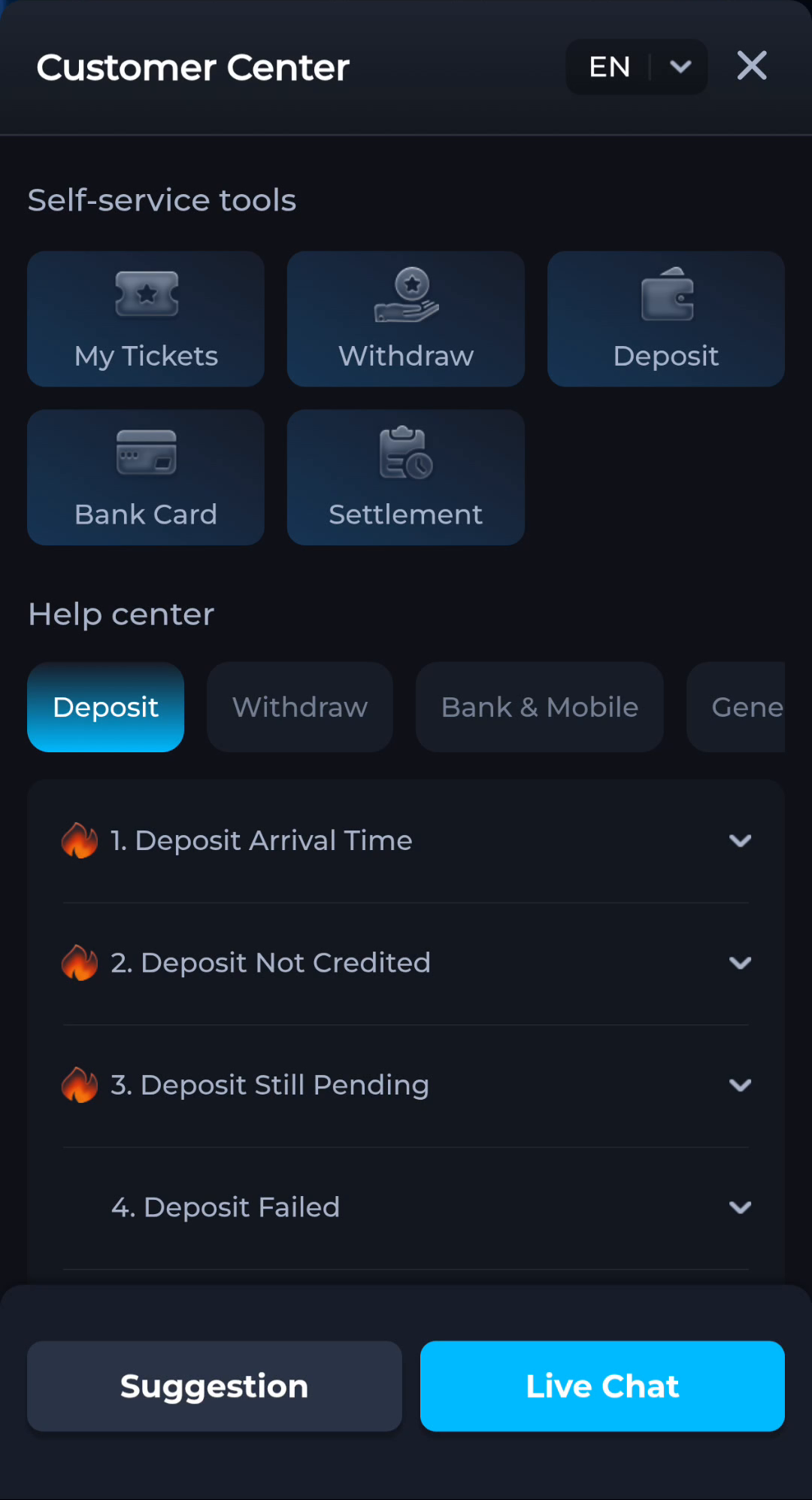
Customer Center distinguishes help topics from My Tickets and other self-service areas. Read the matching topic for a new question. If you already have a ticket, follow the current ticket route rather than treating it as another unrelated issue.
Bring a concise description
Include the screen, failed action, time and exact message. Keep credentials and sensitive payment details out. The guide can explain navigation, but account-specific resolution must happen through the actual service you are using.
A useful next step
Use the home page to return to the broad app route, or Guides for another focused question before continuing.